Home / Buying guides / SD Card Guide
SD and microSD cards explained
The symbols on an SD card tell you its capacity type and minimum write speed. Match them to your device and what you record.
Size
SD cards are full size, used in cameras and video cameras, with a lock switch. microSD cards are tiny, for phones, tablets, dashcams and drones, and usually come with an SD adapter.
Capacity type
- SDHC: 4 GB to 32 GB, FAT32 format.
- SDXC: 64 GB to 2 TB, exFAT format. Older devices may not read SDXC; check your manual.
Speed markings (minimum write speed)
| Marking | Minimum write speed | Good for |
|---|---|---|
| Class 10 | 10 MB/s | Compact cameras, phones |
| U1 (UHS Speed Class 1) | 10 MB/s | Full HD video |
| U3 / V30 | 30 MB/s | 4K video, entry to mid DSLR and mirrorless cameras |
| V60 | 60 MB/s | High bit-rate 4K |
| V90 | 90 MB/s | 8K video, fast RAW bursts, high-end cameras |
UHS-I and UHS-II describe the bus: UHS-I tops out around 104 MB/s, UHS-II around 312 MB/s. You only get UHS-II speed in a UHS-II device or reader.
App performance (A1, A2)
For phones and tablets that run apps from the card, look for A1 (at least 1,500 read and 500 write operations a second) or A2 (4,000 read and 2,000 write).
Quick picks
- Phone or tablet: microSDXC, A1 or A2, U1 or better.
- Dashcam or security camera: high-endurance microSD, U3.
- 4K camera: SDXC V30 or faster.
Shop storage & memory
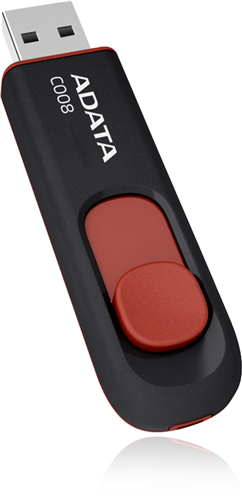 Adata · FP313-R16ADATA C008 Retractable USB 2.0 16GB Black/RedFlash DrivePrice on quote
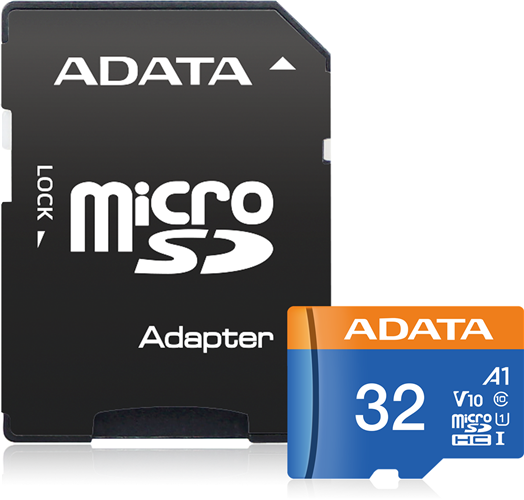 Adata · FS354-X32ADATA Premier microSDHC UHS-I A1 V10 Card with Adapter 32GBPrice on quote
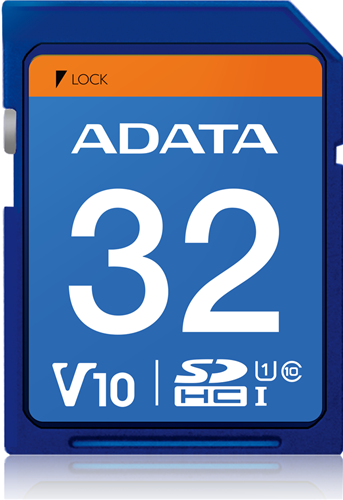 Adata · FS161-X32ADATA Premier UHS-I V10 SDHC Card 32GBPrice on quote
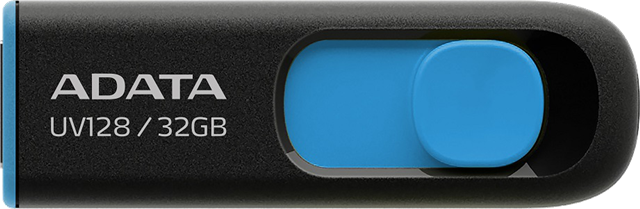 Adata · FP276-X32ADATA UV128 Dashdrive Retractable USB 3.2 32GB Blue/Black Flash DrivePrice on quote