Choosing an interactive display for a meeting room
An interactive display replaces the TV, whiteboard and projector in one. Getting the size and setup right matters more than any single feature.
Screen size
A common rule is that the farthest viewer should sit no more than about six times the screen height away. In practice:
| Room | People | Size to consider |
|---|---|---|
| Huddle room | 2–4 | 55" |
| Small meeting room | 4–8 | 65" |
| Boardroom | 8–14 | 75" |
| Classroom or training room | 15+ | 86" or larger |
Touch and writing
Interactive displays let several people write and draw at once. Check how many touch points it supports and whether it has a built-in whiteboard app that saves notes for sharing after the meeting.
Video calls
For Microsoft Teams, Zoom or Google Meet, you need a camera, microphones and speakers. Some displays build these in; otherwise add a video-conference camera bar mounted above or below the screen.
Connecting laptops
Look for HDMI and USB-C inputs, and wireless screen sharing so people can present without cables.
Mounting
Choose a wall mount rated for the display's weight and VESA pattern, or a mobile stand if the screen moves between rooms. Mount it so the centre of the screen sits around standing eye level, and plan power and data points behind it before installation.
Built-in computer or not
Many panels include an Android system for the whiteboard and apps. For full Windows software, add a slot-in PC module or connect a small PC behind the screen.
Tell us the room size, the number of people and which video-call platform you use, and we will suggest a setup.
Shop touch & displays
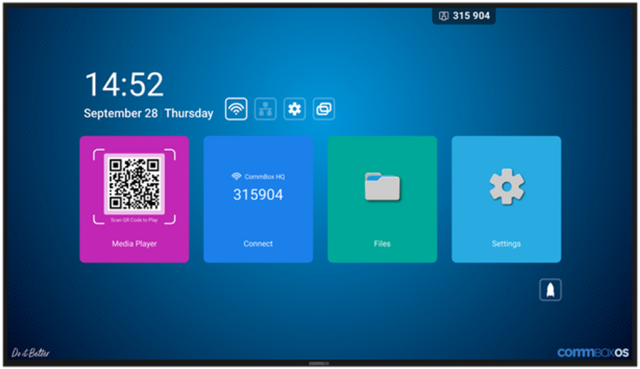 CommBox · CBD4066CommBox 65" 4K Intelligent Gen2 Commercial DisplayPrice on quote
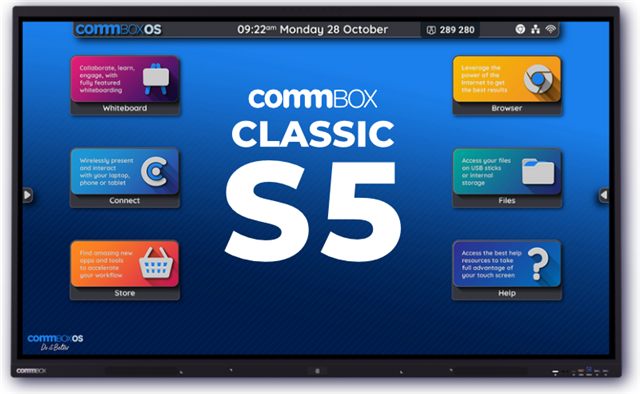 CommBox · CBC1367CommBox Interactive Classic S5 65" 4k TouchscreenPrice on quote
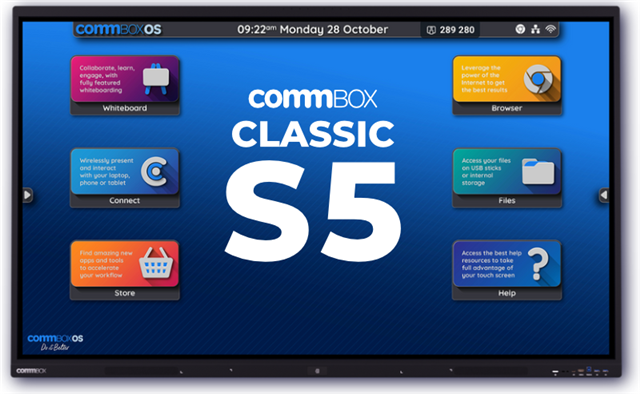 CommBox · CBC1378CommBox Interactive Classic S5 75" 4k TouchscreenPrice on quote
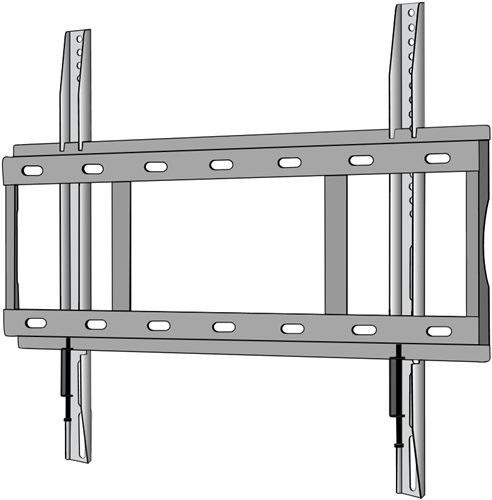 Smart · SBS9602SMART Wall Mount for MX, 6000s, 7000 and GX seriesPrice on quote