Setting up a POS for a café or restaurant
A reliable counter setup saves time on every order. This guide covers the hardware pieces and how they fit together. Check compatibility with your POS software before you buy: that is the one thing that decides what works.
1. Start with your software
Your POS app decides the hardware. Some apps run on Android terminals (such as Sunmi), others need Windows (such as Advantech all-in-ones), and some run on iPads. Ask your POS provider for their supported hardware list, or send us the name of your app and we will check.
2. The main terminal
This is the screen staff use to take orders. An all-in-one terminal combines the screen and computer, and some models include a built-in receipt printer. For a small counter, a compact terminal with a 10 to 15 inch screen is usually enough. Busier sites may want a second terminal or a handheld for taking orders at tables.
3. Printers
- Receipt printer at the counter: 80 mm thermal printers are the standard.
- Kitchen printer: sends orders to the kitchen or bar. A networked (LAN or Wi-Fi) printer lets any terminal send to it.
- Paper: keep spare thermal rolls in the right width, usually 80 mm.
4. Cash drawer
Most cash drawers plug into the receipt printer or terminal and open automatically when a cash sale is completed. Check the connector (commonly RJ12) matches your printer or terminal.
5. Customer display
A rear-facing screen shows customers their order and total. It speeds up service and cuts mistakes.
6. Self-order kiosks
Kiosks let customers order and pay without queuing, which frees up staff at busy times. They need your POS software to support kiosk ordering and a payment terminal from your payment provider.
7. Payments
Card payment terminals usually come from your bank or payment provider and must be certified for New Zealand. Confirm your provider supports your POS software before you commit.
A typical small café setup
- 1 all-in-one terminal
- 1 receipt printer and 1 kitchen printer
- 1 cash drawer
- Optional: a customer display, or a kiosk for peak times
Tell us your software and how many people serve at once, and we will put together a quote.
Shop pos & kiosks
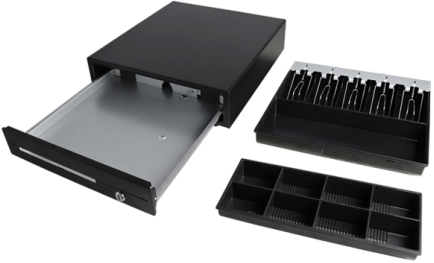 Maken · RA3621Maken CK-410 Cash Drawer 4 Note 8 Coin Black Front 24VPrice on quote
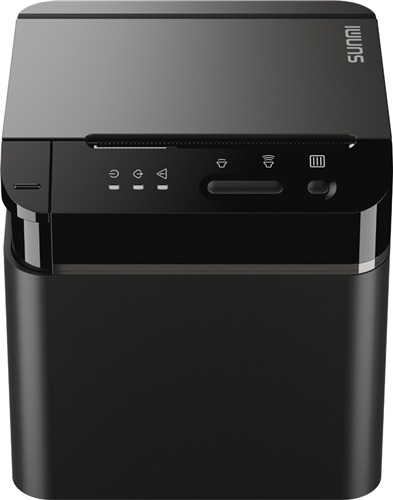 Sunmi · RA1275Sunmi NT311 80MM Cloud Thermal Printer USB + LAN + WiFi + BluetoothPrice on quote
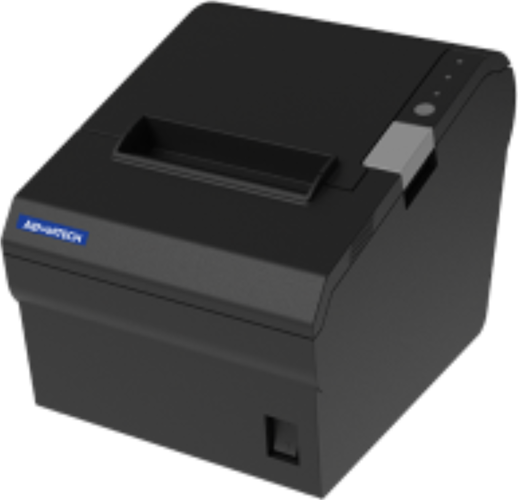 Advantech · RA1269Advantech RP-PT802 Thermal Receipt Printer Serial/USB/Ethernet I/OPrice on quote
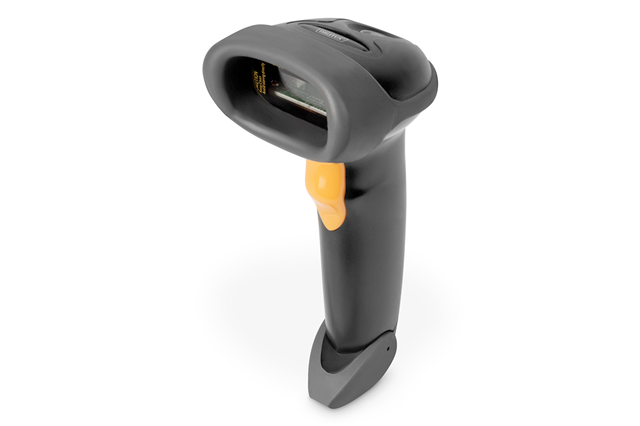 Digitus · ARA1000Digitus 1D Barcode Scanner USB with StandPrice on quote